
SmartRuler press kit
Everything you need to write about SmartRuler: descriptions, key facts, the app icon and screenshots. All assets are free to use in coverage of the app.

Rated 4.3 out of 5 on App Store

Rated 3.0 out of 5 on Google Play
Short description
SmartRuler is an AR measuring app for iPhone and Android that turns your phone camera into a tape measure and a full measuring toolkit.
Long description
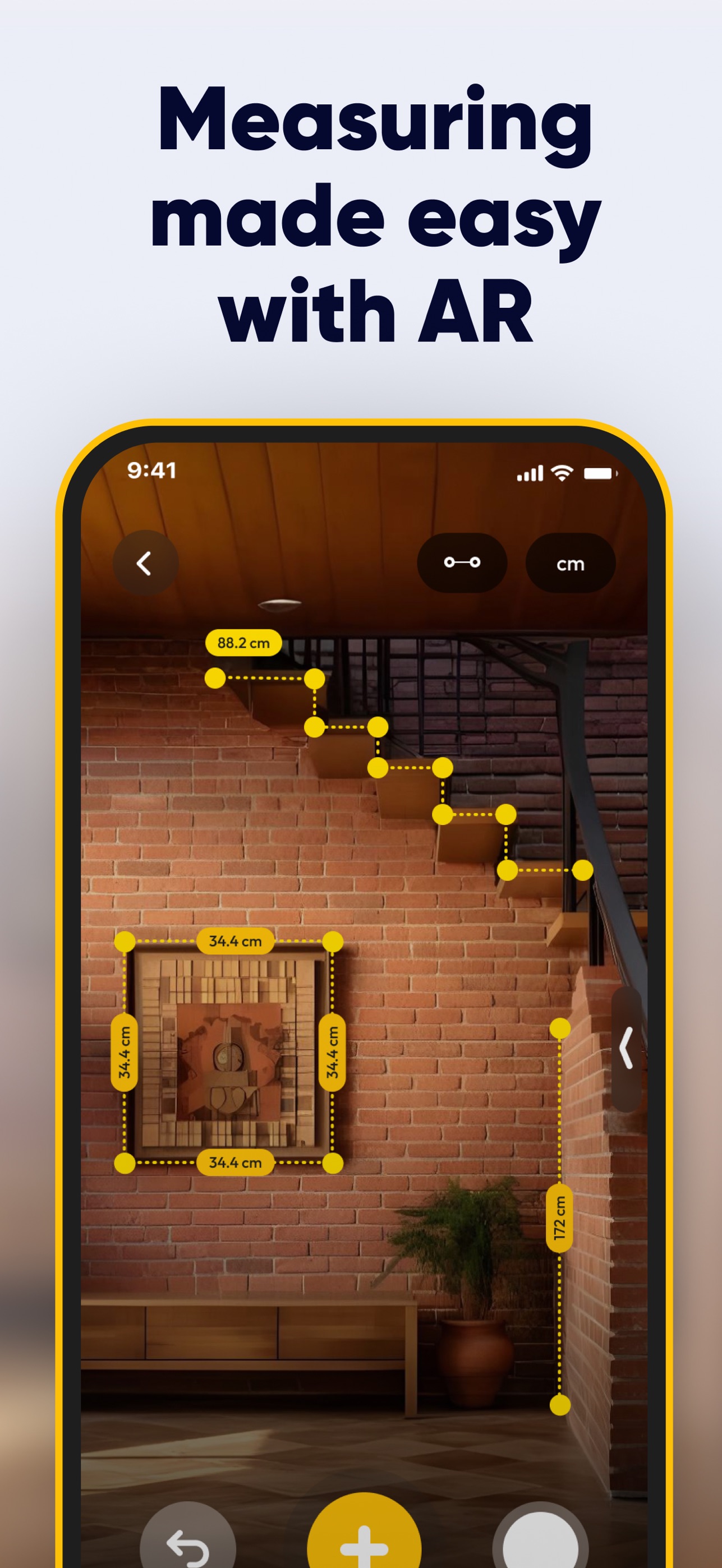
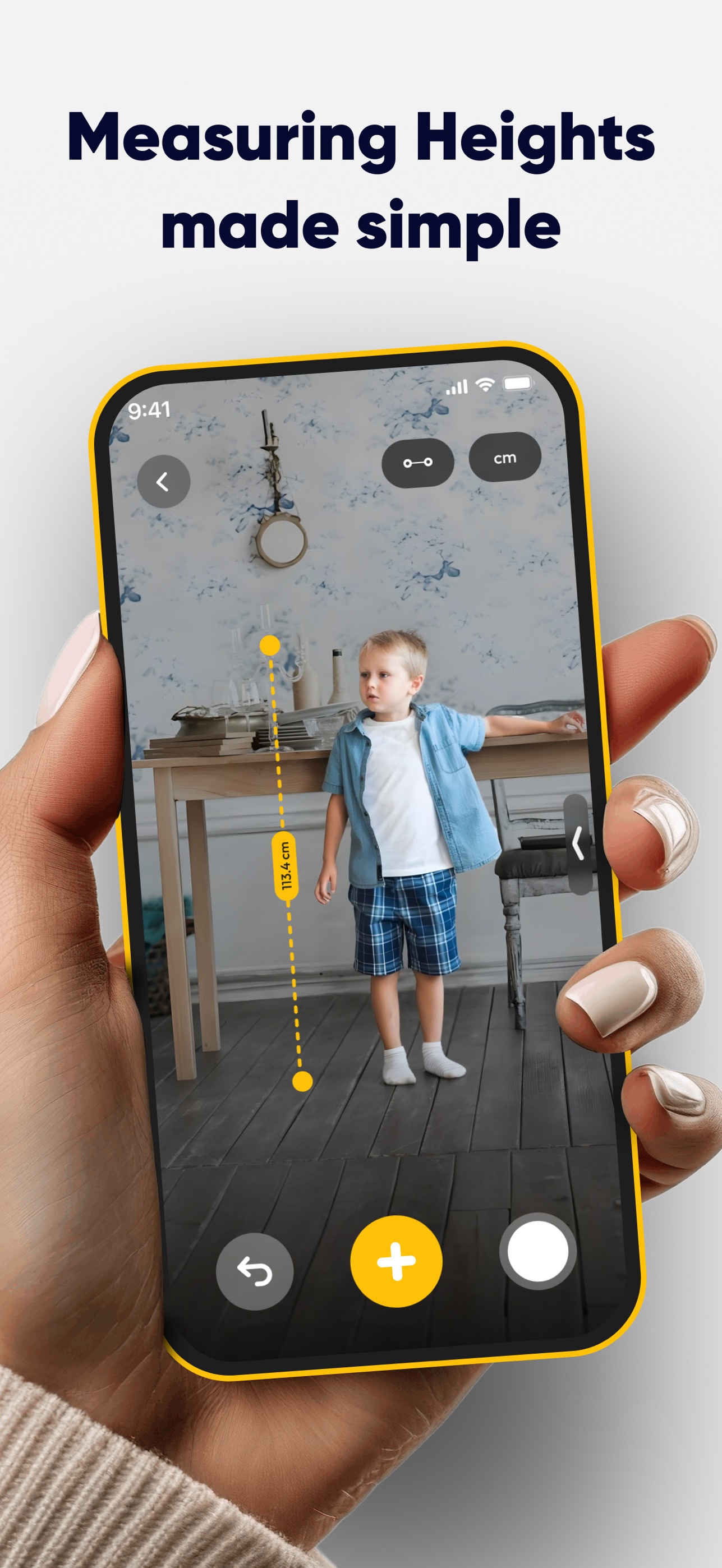
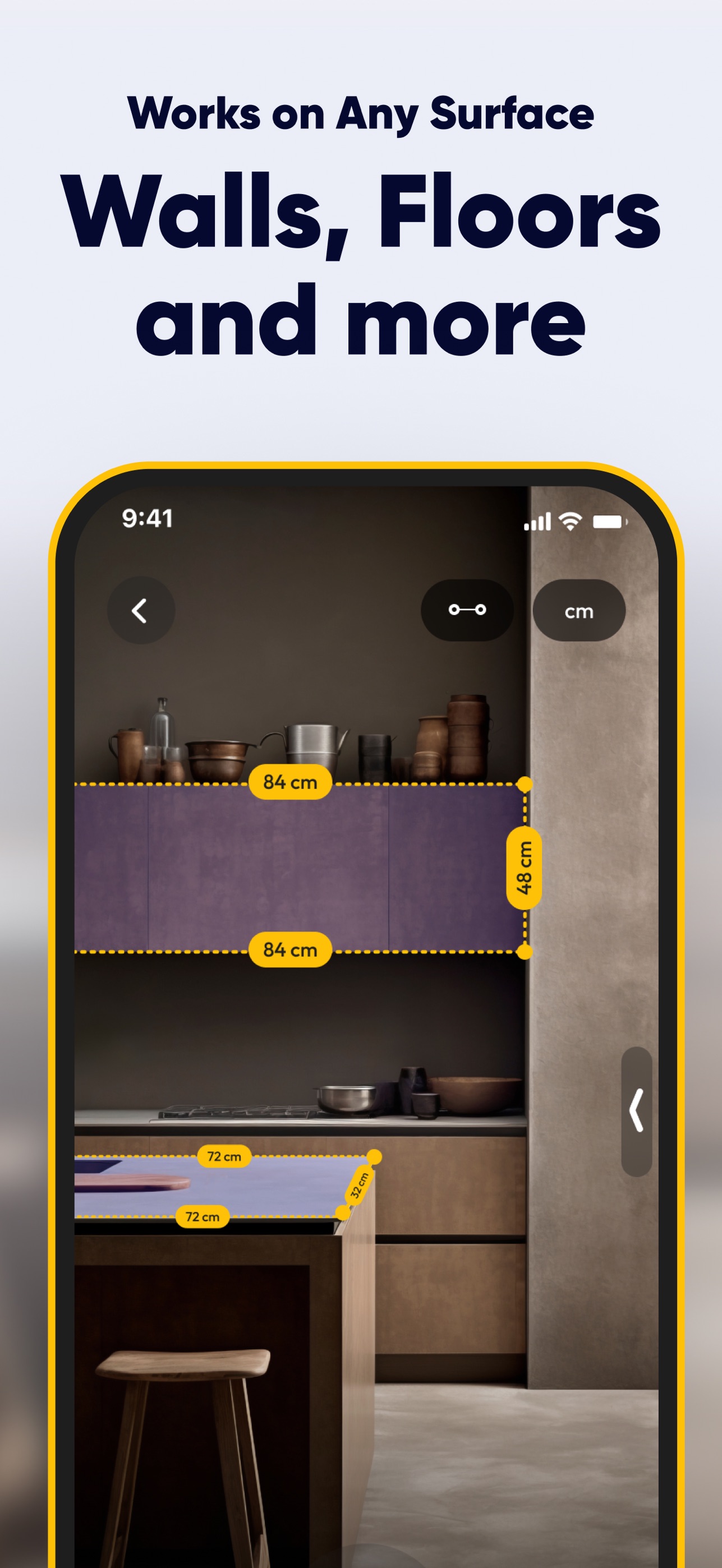
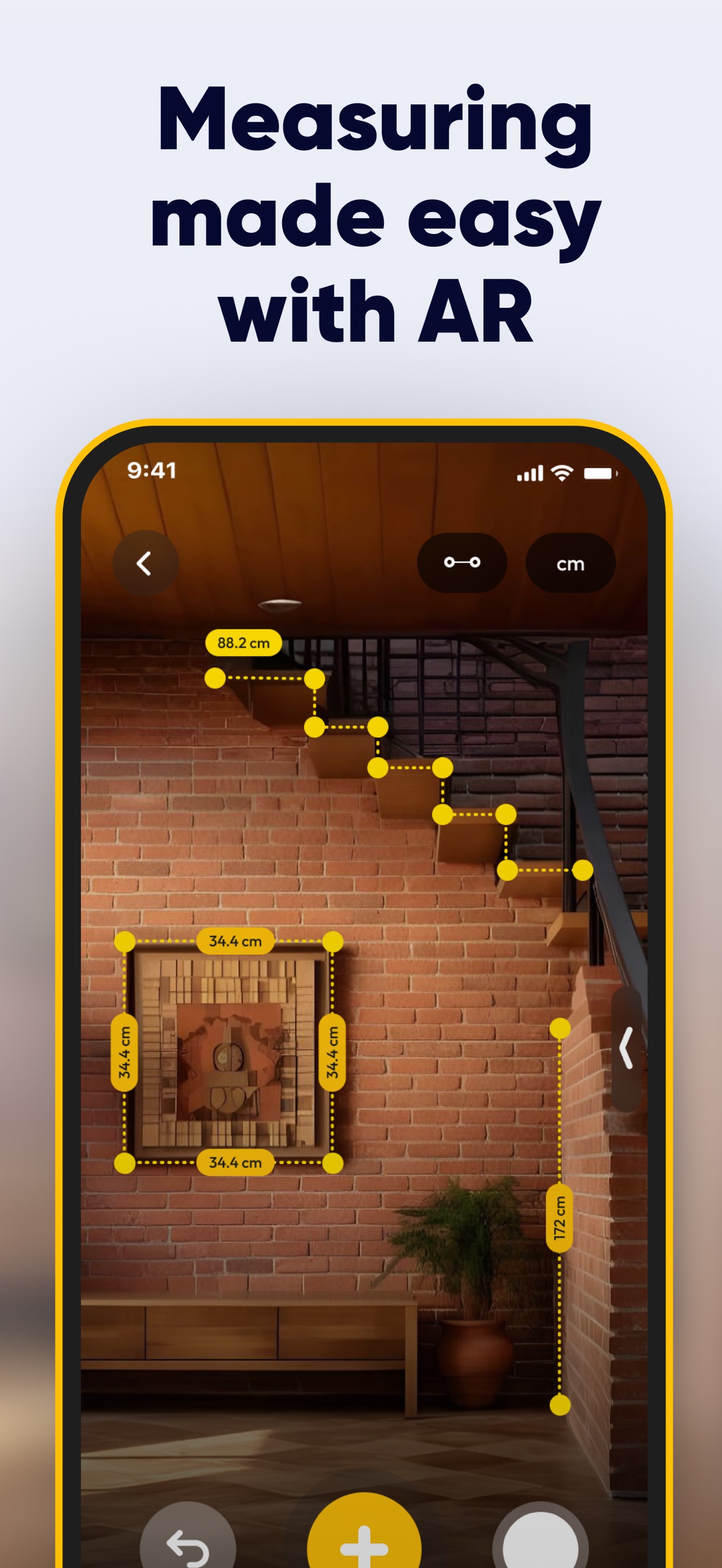
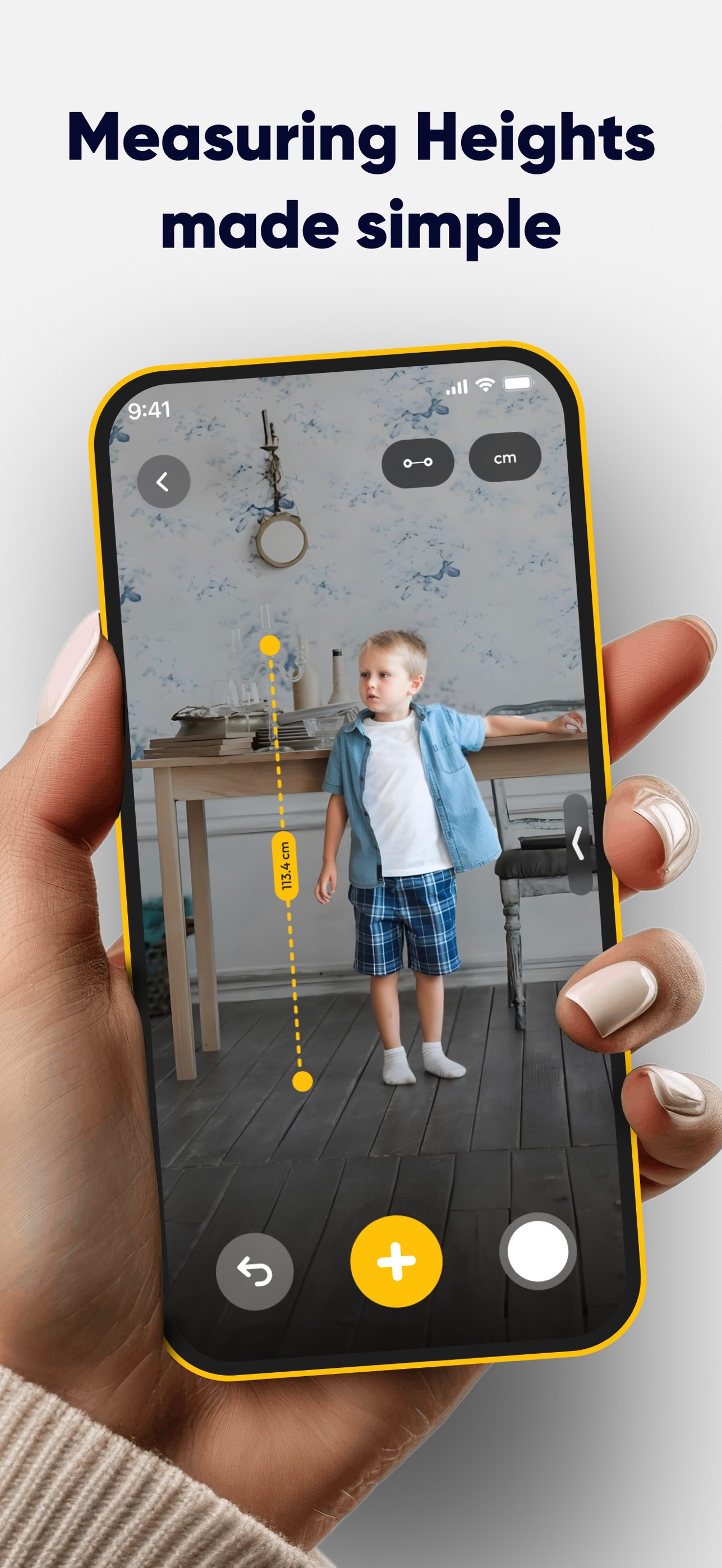
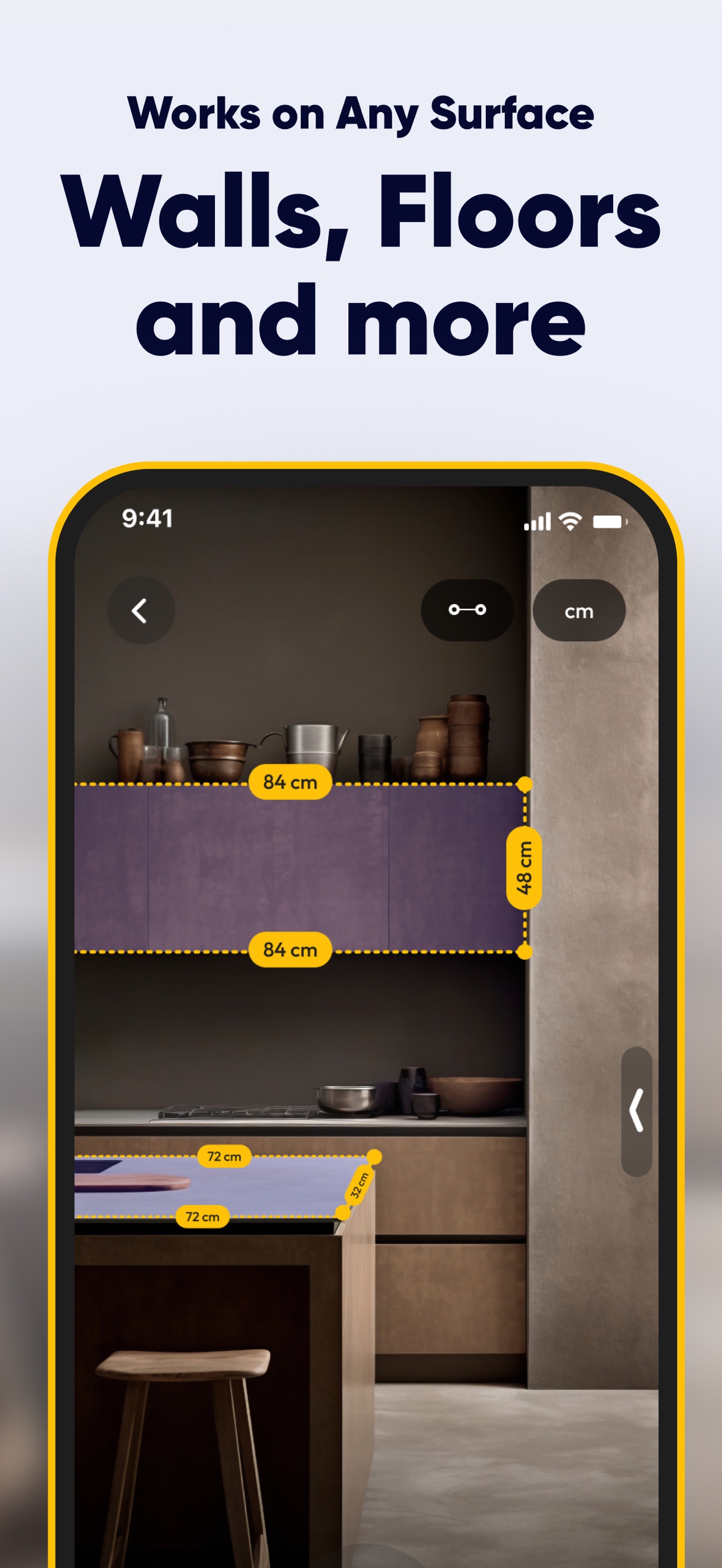
SmartRuler uses your phone's camera and augmented reality to measure the real world. Point your phone at a floor, wall or object, tap to place points, and SmartRuler shows the length, angle, height, area or volume as a label on the live camera view.
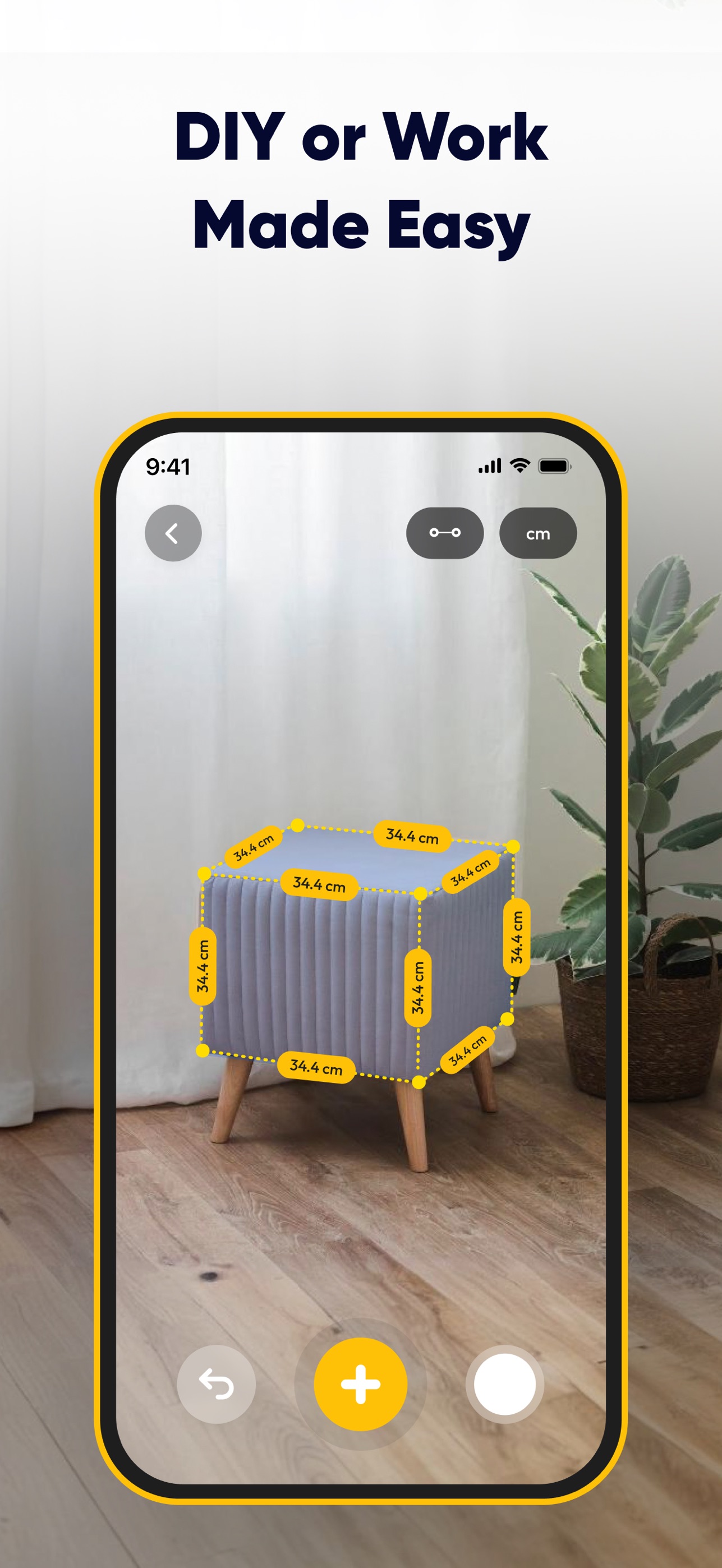
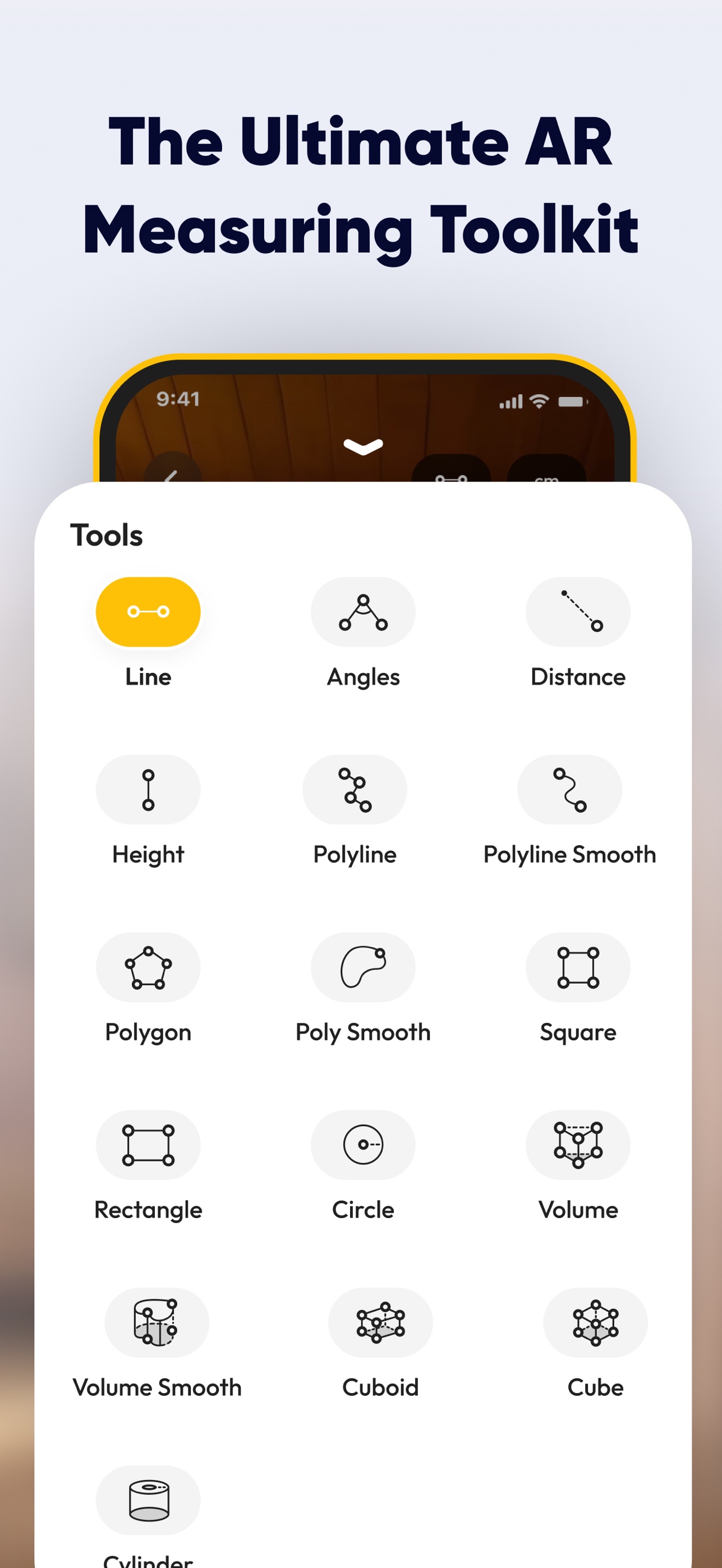
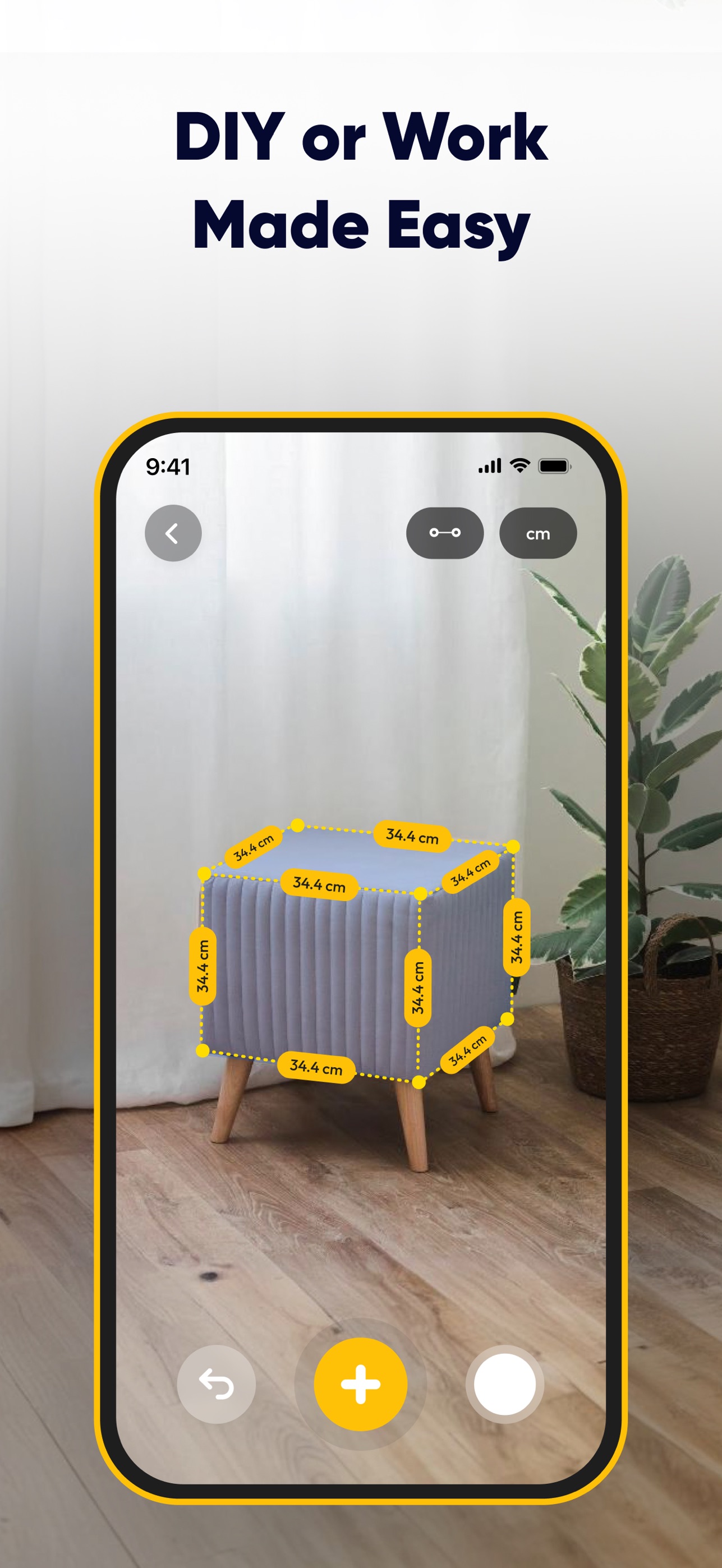
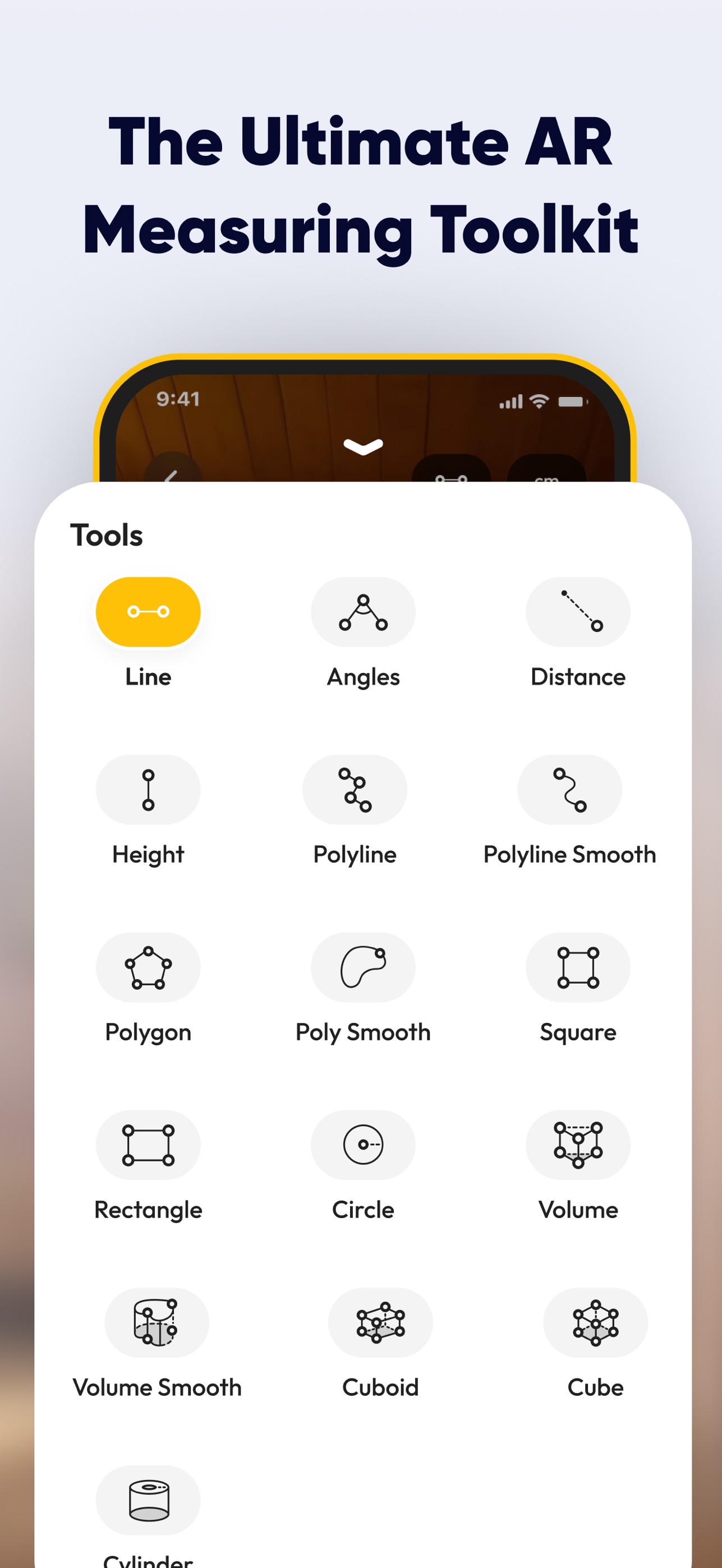
Beyond straight lines, SmartRuler calculates the area of rooms and irregular shapes, the volume of boxes and cylinders, and can scan a room to create a floor plan. Chain measurements capture every wall in a row, and box preview shows how much space furniture will take up before you buy it.
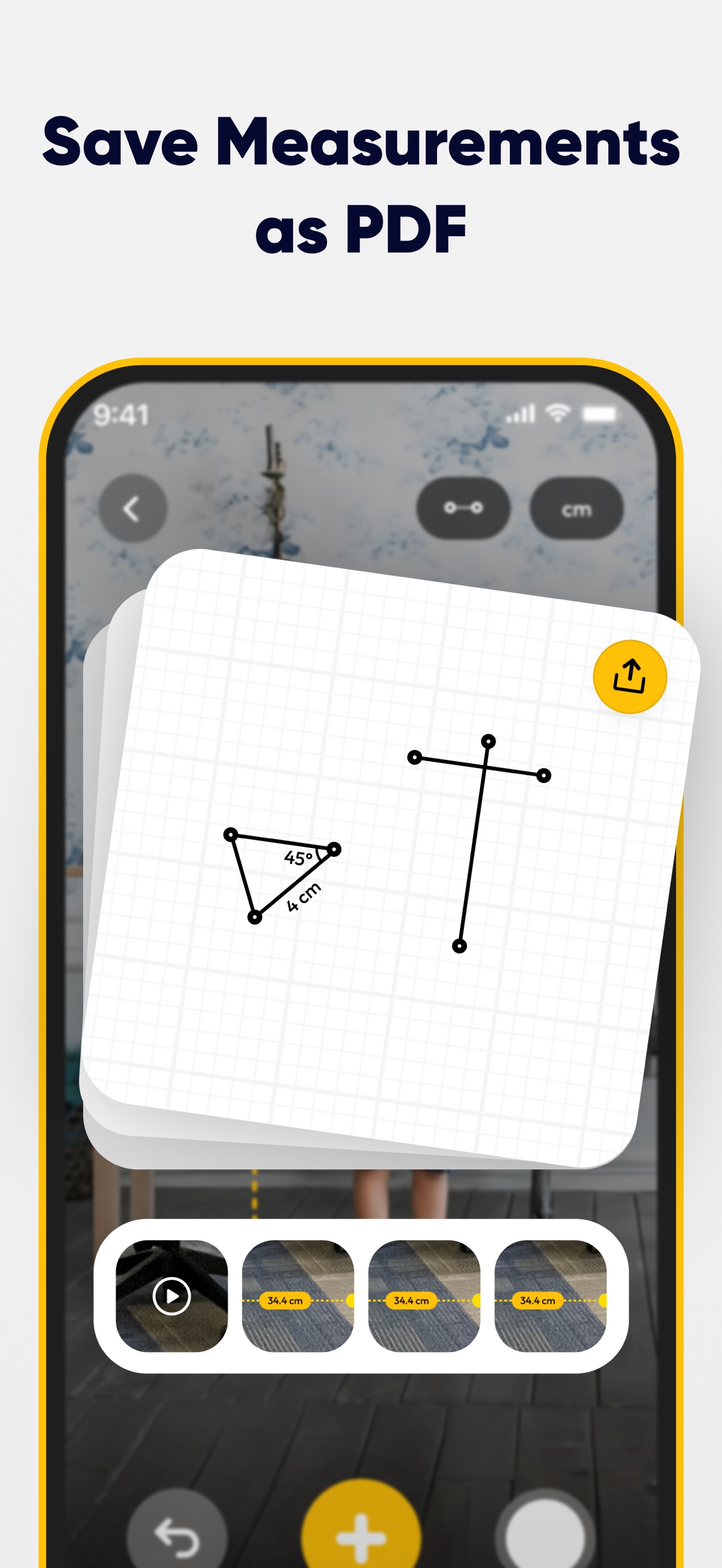
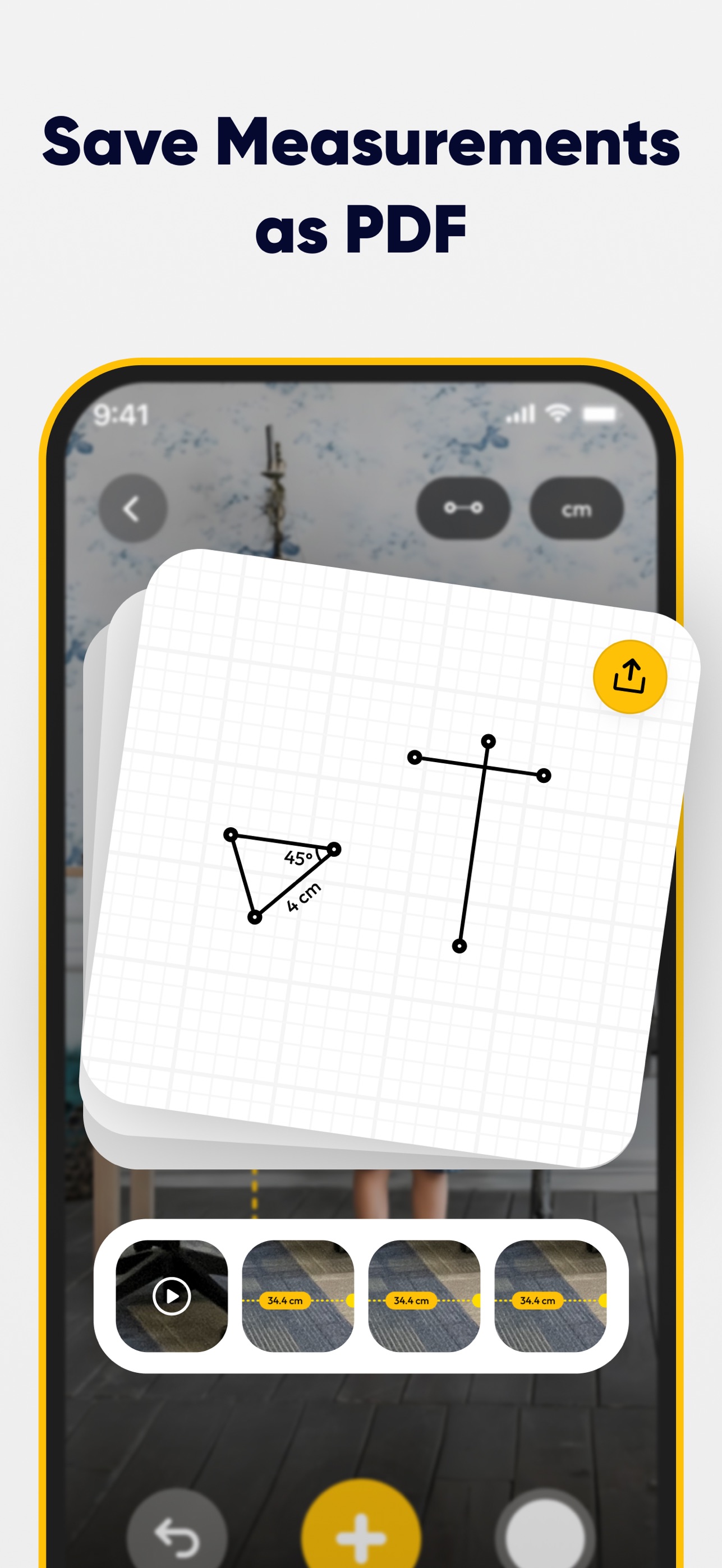
The app also works as an everyday toolkit, with a compass, a spirit level, an on-screen ruler and a ring sizer that reads US, UK and EU sizes. Measurements can be saved as photos, grouped into project folders and shown in metric or imperial units.
Key facts
- App name
- SmartRuler (App Store: AR Measure Tape: SmartRuler)
- Developer
- Lascade LLC
- First released
- January 15, 2025
- Platforms
- iPhone and iPad (iOS 17.0 or later), Android
- Price
- Free, with optional in-app purchases
- Category
- Utilities (App Store), Tools (Google Play)
- Languages
- 29
- Age rating
- 4+
App icon

PNG, 1024 × 1024 px. Please don't alter the icon's colors or proportions.
Download the app iconScreenshots
iPhone screenshots, JPEG, 1287 × 2796 px.

Press contact
For interviews, review requests and additional assets, contact the Lascade team. connect@lascade.com